AI is changing how websites are understood and processed. Alongside traditional SEO for Google, a new layer is emerging — optimization for LLM systems like ChatGPT, Claude, Perplexity, and others.
One of the most discussed ideas in this space is the llms.txt file.
1. What is llms.txt and how is it different from llms-full.txt?
llms.txt
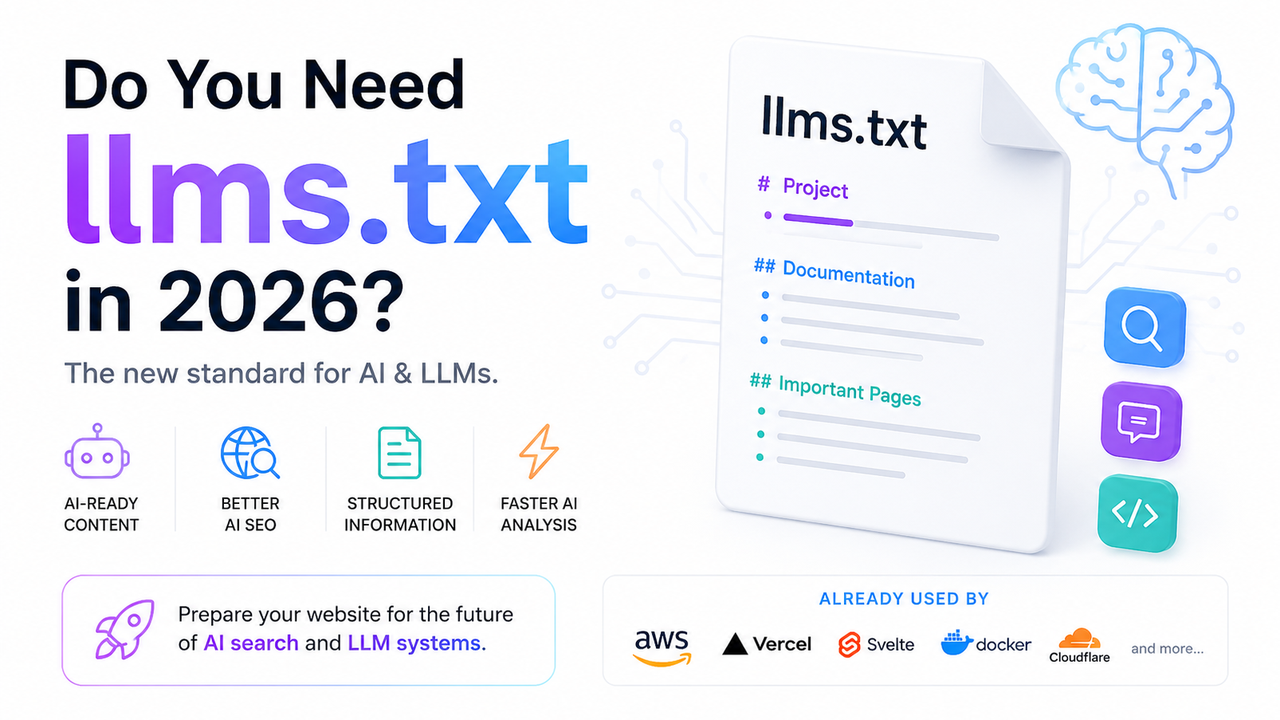
llms.txt is a simple text file placed in the root of a website. Its goal is to help AI systems understand a project: structure, key pages, documentation, and important context.
It is conceptually similar to:
robots.txtsitemap.xml
But instead of search engines, it is aimed at AI models.
# Example project
Project: ExampleSite

## Docs
- https://example.com/docs

## Pages
- https://example.com/about
- https://example.com/contact
llms-full.txt
llms-full.txt is an extended version of the file.
It can include:
- Full documentation
- API references
- Guides and rules
- FAQ sections
- Code examples
- Markdown content
It acts as a full “context dump” for LLMs.
2. Is llms.txt an official standard?
Currently, llms.txt is not an official web standard like robots.txt.
However, it is becoming increasingly popular as AI systems need structured, clean context instead of parsing raw HTML.
Websites today often include:
- Heavy JavaScript
- Dynamic rendering
- Ads and UI noise
A simple text file solves this by giving AI direct, structured information.
3. Who is already using llms.txt?
- Amazon AWS — llms.txt / llms-full.txt
- X (Twitter) — llms.txt / llms-full.txt
- Stripe — llms.txt
- Docker — llms.txt
- Cloudflare — llms.txt / llms-full.txt
- Redis — llms.txt / llms-full.txt
- Vue.js — llms.txt / llms-full.txt
- Svelte — llms.txt / llms-full.txt
- Angular — llms.txt
- VitePress — llms.txt / llms-full.txt
- Claude — llms.txt / llms-full.txt
- Anthropic (MCP) — llms.txt / llms-full.txt
- Perplexity — llms.txt / llms-full.txt
- Cursor — llms.txt / llms-full.txt
- ElevenLabs — llms.txt / llms-full.txt
4. Not only AI SEO — but instant context for LLMs
Beyond search optimization, llms.txt has a practical developer use case: instant context injection.
Instead of repeatedly explaining a project to an AI tool, you can simply paste the full file and immediately provide complete context.
This is especially useful for:
- SaaS platforms
- APIs
- Documentation systems
- Open-source projects
- AI agents
- Development teams
5. How to create llms.txt (algorithm + examples)
A good file usually includes:
- Project name
- Short description
- Main sections
- Documentation links
- API endpoints
- Rules and constraints
- Contact information
Example (Agency)
# Example Agency

Services:
- Web Development
- SEO
- UX/UI Design

Tech Stack:
- Nuxt.js
- Vue.js
- TypeScript
Example (SaaS)
# API Service

Base URL: https://api.example.com

Endpoints:
- /users
- /payments
- /invoices

Auth: Bearer token required
6. Plugins for generating llms.txt
Python
- MkDocs: mkdocs-llmstxt
- Sphinx: sphinx-llms-txt
JavaScript / Node.js
- Docusaurus: docusaurus-plugin-llms
- VitePress: vitepress-plugin-llms
- Gatsby: gatsby-plugin-llms-txt
- Eleventy: eleventy-plugin-llms-txt
- Astro: astro-llms-txt
CMS
- WordPress: odyssey-llms, llms-full-txt-generator
- Drupal: llms_txt module
8. Useful Links
- llmstxt.org — official project page
- llmstxt.site — directory of implementations
- directory.llmstxt.cloud — public catalog